The 3-Second Test: How Creators Use AI Motion to Decide Whether an Idea Is Worth Posting

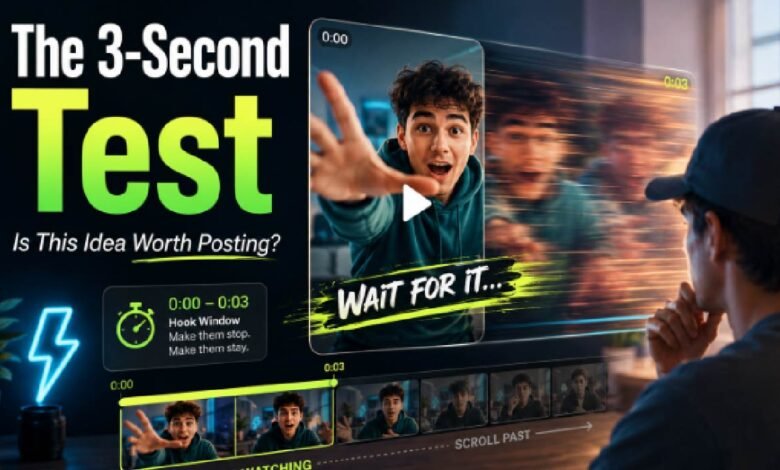
When I review short-form content ideas, I rarely ask, “Can this become a full video?” right away. That question comes later. The first thing I want to know is much simpler: would anyone stop scrolling for the first three seconds?
That is where AI motion tools have become genuinely useful. They let creators test movement before committing to a full edit. A single image can become a quick preview. A still character can be tested with a small action. A product shot can be turned into a motion concept. For me, image animation is less about making a final masterpiece and more about answering one practical question: does this visual idea have enough energy to deserve more time?
That sounds small, but for creators, it changes the workflow.
Why the First Three Seconds Matter So Much
Short-form platforms reward fast decisions. Viewers do not carefully evaluate every post. They glance, feel something, and either keep watching or move on.
That makes the opening seconds extremely important. A good hook does not always need loud text or dramatic editing. Sometimes it is just a small movement that creates curiosity. A face turns. A product shifts. A character starts dancing. A still image suddenly feels less static.
I have seen this again and again in content testing. A concept that looks flat as a still image may become useful once motion is added. The opposite is also true. Some images look great as thumbnails but become boring when animated.
That is why the three-second test is valuable. It helps creators avoid wasting hours on an idea that does not move well.
The New Testing Loop for Short-Form Creators
A lot of creators used to work in a straight line: shoot, edit, export, post. That still happens, but it is not always efficient.
The newer workflow feels more like a loop:
| Stage | What I Check |
| Pick one image | Does the visual have a clear subject? |
| Add motion | Does movement improve the idea? |
| Watch the first three seconds | Would I stop scrolling? |
| Adjust the concept | Is the action too weak or too busy? |
| Decide whether to produce more | Is the idea worth a longer edit? |
This is not about replacing creativity. It is about reducing guesswork. Instead of imagining whether a concept might work, creators can preview it quickly.
The best part is that the test does not require a full production setup. You do not need a camera crew, lighting, choreography, or a complicated editing timeline. You need a strong image and a clear motion idea.
Why One Image Can Be Enough
One of the biggest mistakes I see in early content planning is overbuilding. A creator has a small idea, but they immediately start planning a full shoot, multiple scenes, captions, transitions, music, and voiceover. By the time the video is ready, the original idea may not even feel strong anymore.
A one-image test keeps things honest.
If one image cannot create a clear visual hook, maybe the idea needs work. If one image becomes interesting with motion, that is a signal. It does not prove the final video will perform well, but it gives the creator something real to judge.
This is especially useful for creators working with:
- character images
- product photos
- fashion shots
- music visuals
- thumbnails
- posters
- AI-generated artwork
- personal brand content
I like this method because it makes the creative process less abstract. You can see whether the idea has rhythm.
Dance Clips as a Motion Stress Test
Dance-style content is a good example. Dance is not just movement; it is timing, personality, and energy. If a character or person looks stiff in a dance preview, the content may not hold attention.
That is why an AI dance generator can be useful beyond entertainment. I see it as a motion stress test. It helps creators check whether a visual subject can carry movement, whether the pose feels expressive, and whether the clip has enough social-media energy.
This does not mean every creator should make dance videos. The point is broader. Dance is one of the fastest ways to see whether an image can become lively content.
For social creators, that matters. Static content can be elegant, but short-form platforms often reward motion that reads instantly.
What Makes a Good 3-Second AI Motion Test
From my own testing, the best results usually come from simple visual instructions. Too many movements can make the result feel messy. A clear action works better.
I usually look for four things:
- a strong subject
- a clear motion direction
- readable movement in the first second
- no unnecessary visual clutter
If the first three seconds feel confusing, I do not try to save the idea with more editing. I go back to the image or the prompt. Sometimes the problem is not the tool. It is the concept.
A good test clip should answer a viewer’s silent question: “Why should I keep watching?”
AI Motion Is Becoming a Creative Filter
I do not see AI motion tools as only video generators. I see them as creative filters. They help separate weak ideas from promising ones.
This is useful for small creators who do not have time to produce every concept fully. It is also useful for marketers, designers, and social media managers who need to test many ideas quickly.
The old question was: can I make a video from this?
The better question may be: does this idea survive motion?
That is the value of the three-second test. It gives creators a fast, practical way to judge whether an image has enough movement, rhythm, and curiosity to become real content. In a feed where attention disappears quickly, that early test can save a lot of time.